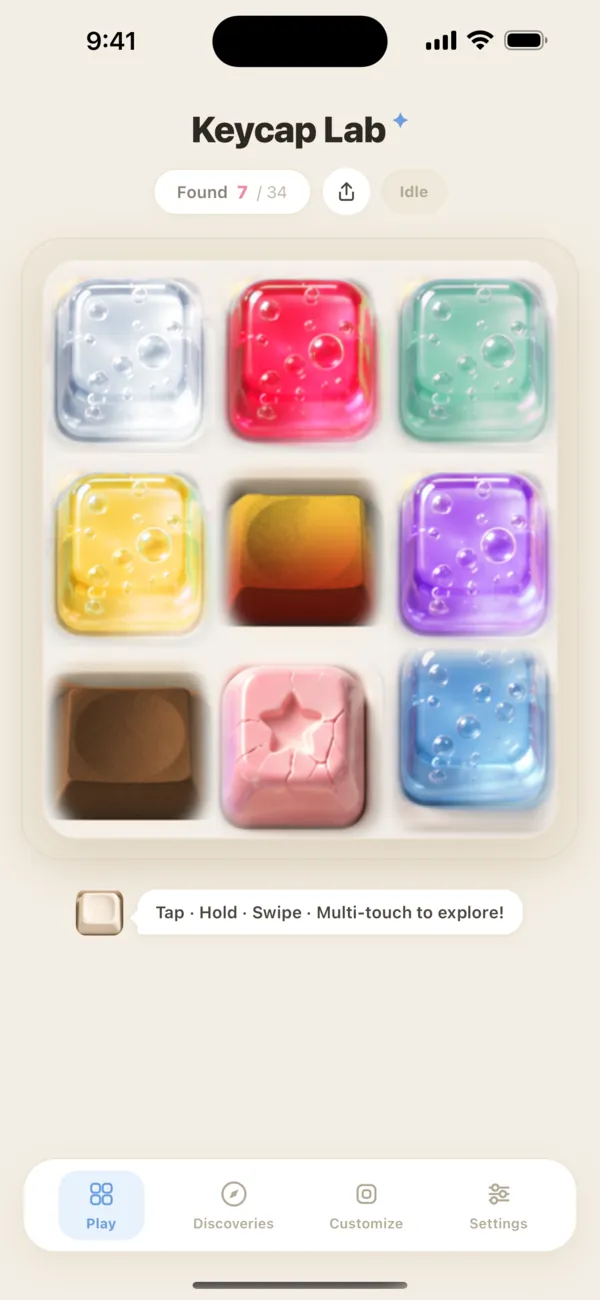
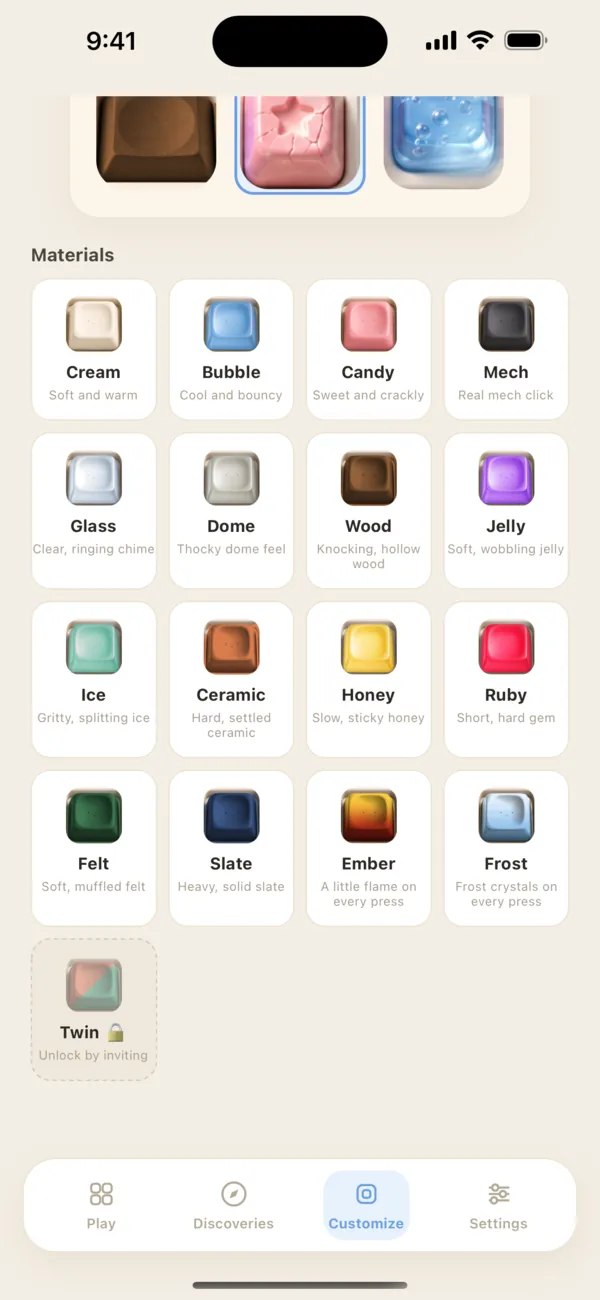
18 materials, 18 sounds
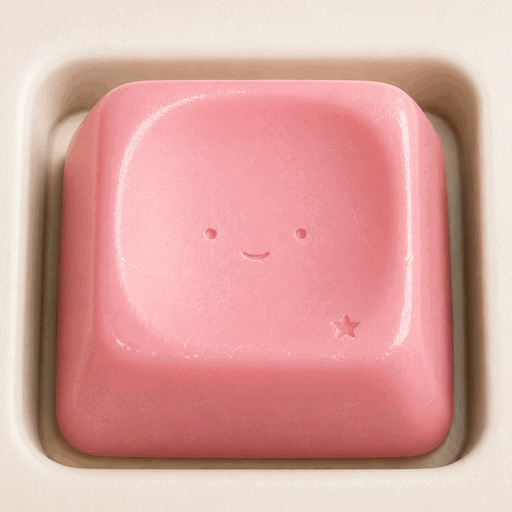
Same keycap shape, different material: each one has its own sound, haptics and effect. Ember, Frost and Volt add a tiny flame, frost crystals or a spark of lightning on every press, and Neon flickers on in a new color every time.
- CreamSoft and warm
- BubbleCool and bouncy
- CandySweet and crackly
- MechReal mech click
- GlassClear, ringing chime
- DomeThocky dome feel
- WoodKnocking, hollow wood
- JellySoft, wobbling jelly
- IceGritty, splitting ice
- CeramicHard, settled ceramic
- HoneySlow, sticky honey
- RubyShort, hard gem
- FeltSoft, muffled felt
- SlateHeavy, solid slate
- EmberA little flame on every press
- FrostFrost crystals on every press
- VoltA spark of lightning on every press
- NeonLights up in a new color every press
Plus Twin — invite a friend with your invite code and you both get this half-and-half cap.
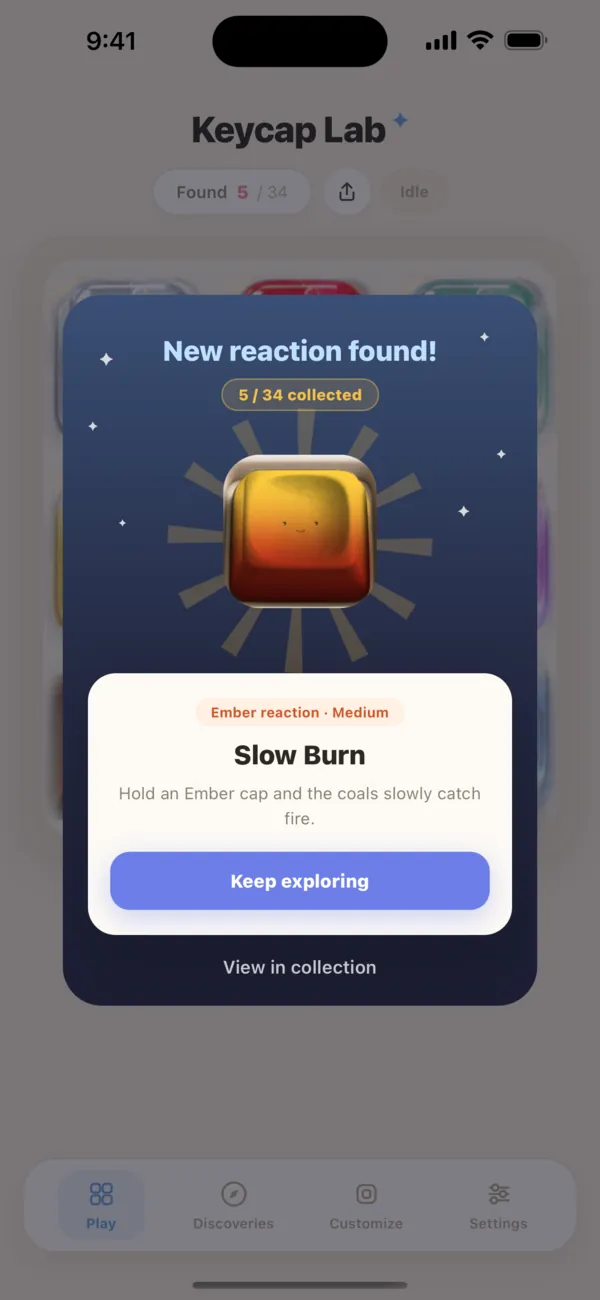
38 hidden reactions
Every cap hides a few surprises. There's no manual — finding them is the fun part.
- Tap the same cap fast, five times
- Press and hold
- Swipe across several caps
- Press two or three caps at once
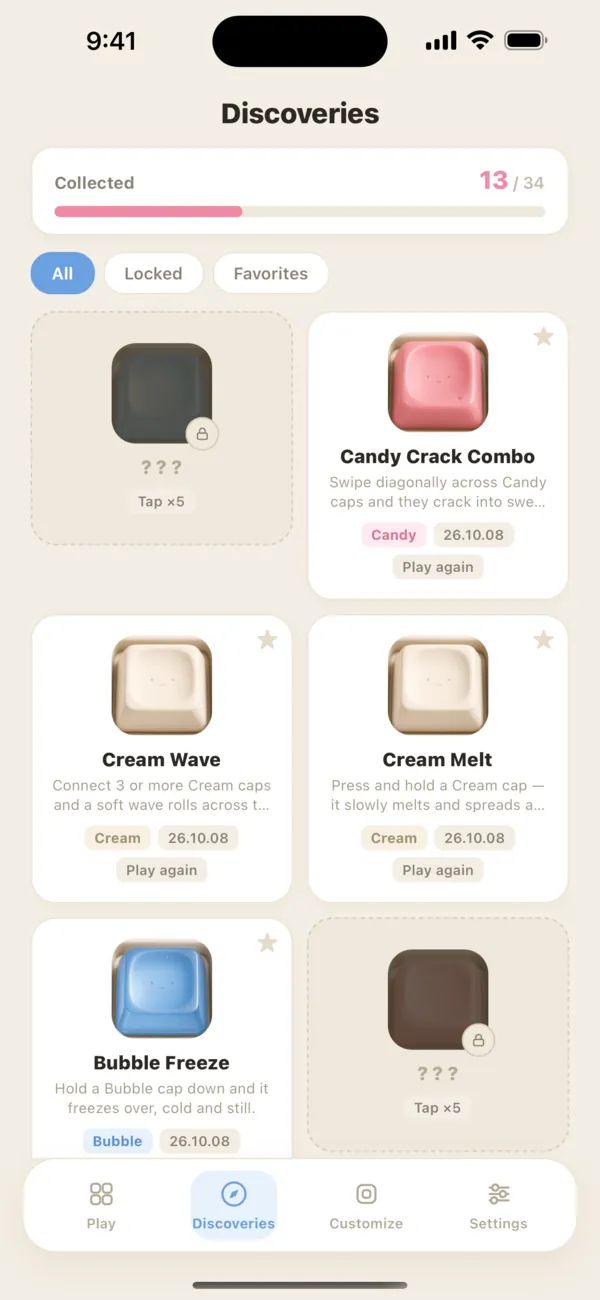
Reactions you find go into your Discoveries collection, where you can replay them anytime. Build your own 3×3 pad with any nine materials and share it as an image card.
Real recordings, not synth
Each material uses sounds recorded from real mechanical keyboards. For some materials, the recorded switch is known:
| Ice | Cherry MX Blue (clicky) |
|---|---|
| Candy | Cherry MX Clear |
| Glass | Hako Violet |
| Felt | Gateron Brown low-profile (Keychron K7 Pro) |
| Slate | Cherry MX Brown |
Curious why switches sound different? The blog has a plain-English guide.
Quiet, light, and yours
No ads
Nothing interrupts your pressing.
No account
No sign-up, no login. Just open and press.
Works offline
Sounds and reactions work without a connection.
Stays on device
Your pad and discoveries are stored on your device.
VoiceOver is supported. The app's interface is in English, Korean and Japanese.
Hear it first
FAQ
Is Keycap Lab free?
Yes. It's free to download and has no ads.
Are the sounds real?
Yes. Each material uses recordings of real mechanical keyboards — for example, Ice is a Cherry MX Blue and Slate is a Cherry MX Brown.
Does it work offline?
Yes. Every keycap, sound and reaction works without an internet connection.
Do I need an account?
No. There's no sign-up, and your progress stays on your device.
How do I find hidden reactions?
Try different ways of pressing: fast taps, long holds, swipes and pressing several caps at once. Each one you find is saved to Discoveries.
How do I get the Twin keycap?
Send a friend your invite code from Settings. When they enter it, you both get Twin.
Does it run on iPad?
Yes, on both iPhone and iPad.
From the blog
 Get it free on the App Store